
The Web Insights page gives you in-depth stats about how your tracked pages are performing and, more importantly, how certain users are engaging with them.
Helpful link
If you have not yet set up website tracking, learn more in our How to track websites in Force24 article.
Opening Web Insights
To open the page, click the Web Insights link in the left menu: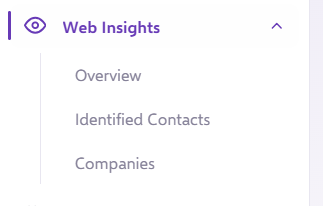
Overview
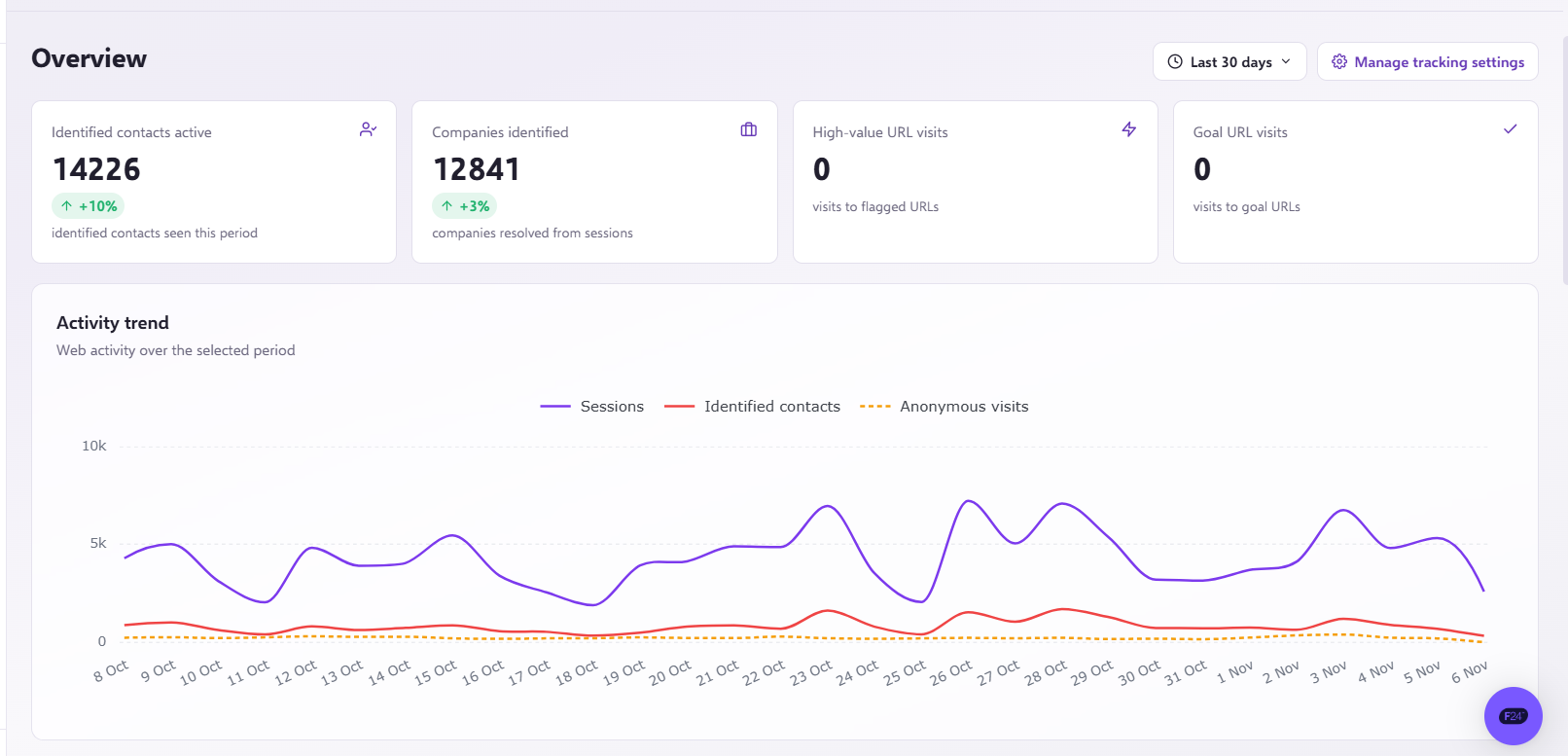
At the top of the page you will see the Overview. By default, this shows the activity for the last 30 days. The terms used are explained below.
- Identified contacts active: The number of people that have accessed your site.
- Companies Identified: The number of companies identified that have visited your pages.
- High Value URLs: The number of visits to High Value URLs, as defined in your settings page.
- Goal URLs: The number of times Goal URLs have been visited, as defined in your settings page.
Filtering your data
If you want to be more specific and see how these numbers vary for certain contact Segments, or over time, click the Filter icon in the top right to open the filter menu:
You can change the date range of the search by clicking this tab: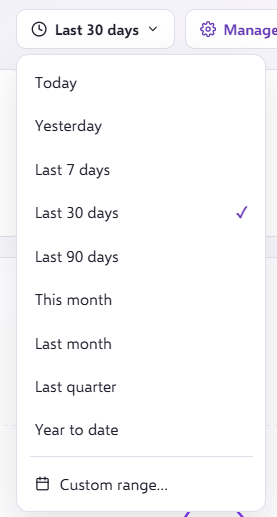
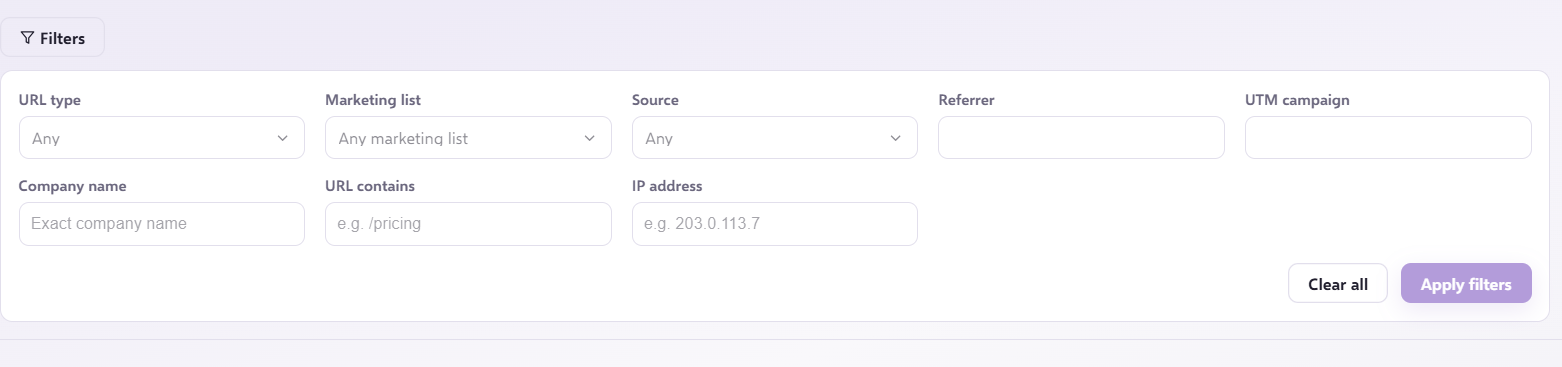
Once you are happy with your date range, you can narrow down the contacts by searching against the following data:
- URL Type: See contacts hitting a specific type of URL.
- Referrer: See contacts who have come from a specific referring website, such as Google or Facebook.
- URL: Find contacts visiting a specific page on your website.
- Segment: Filter contacts based on their membership of a specific Segment.
- UTM Campaign: Filter users coming from specific campaigns on email, Google or social sources.
- IP address: Find contacts from a specific IP address.
- Source: Filter contacts based on the visit type, for example Email, Direct or SMS.
- Company Name: See the activity of users from a specific company.
When you are happy with your filters, select Apply filters:
Identified Contacts
The Identified Contacts page shows the activity summary of each contact: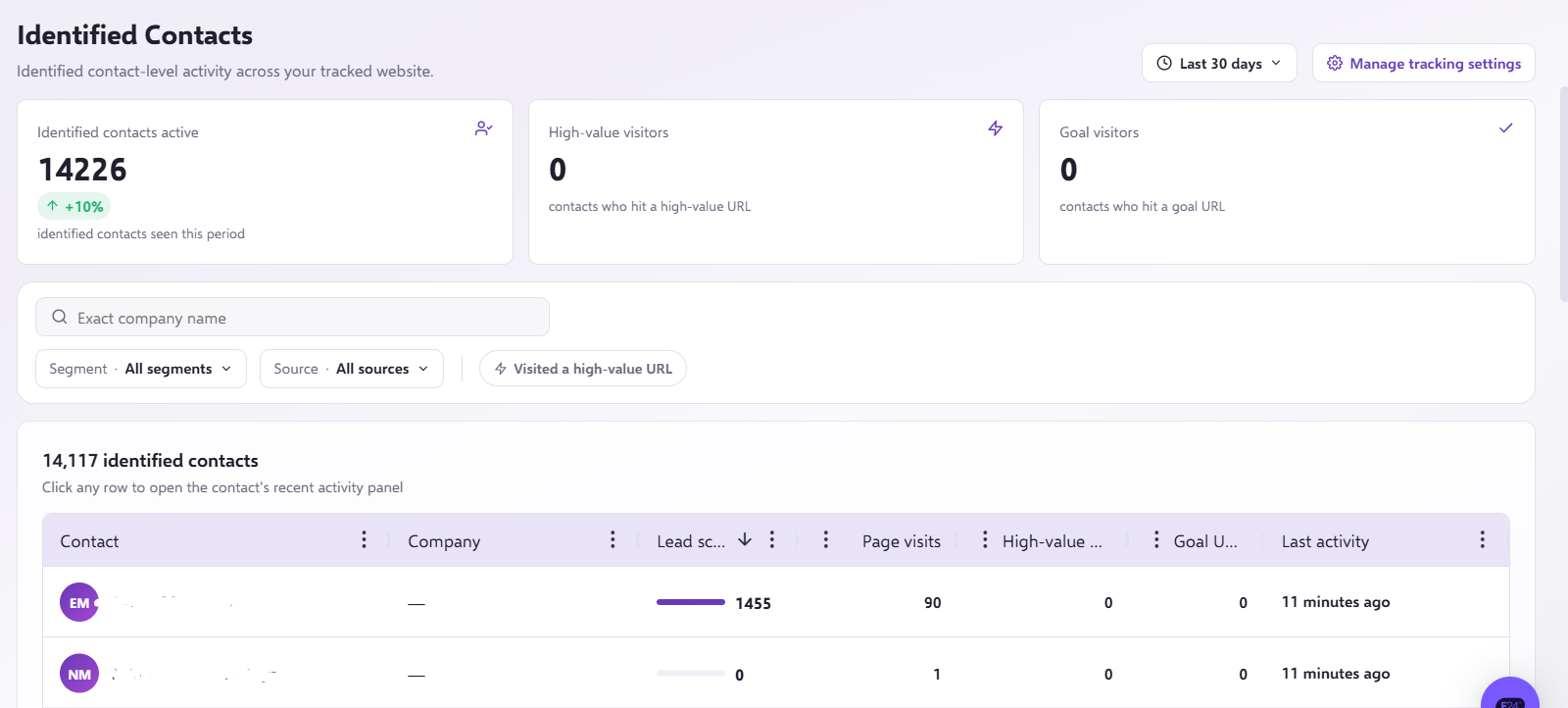
You can search companies, select a different segment, or sources a contact comes from: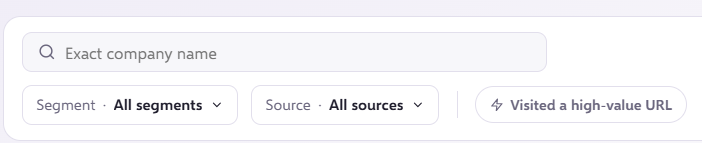
Companies
The Companies page shows which companies have had the most activity on your website: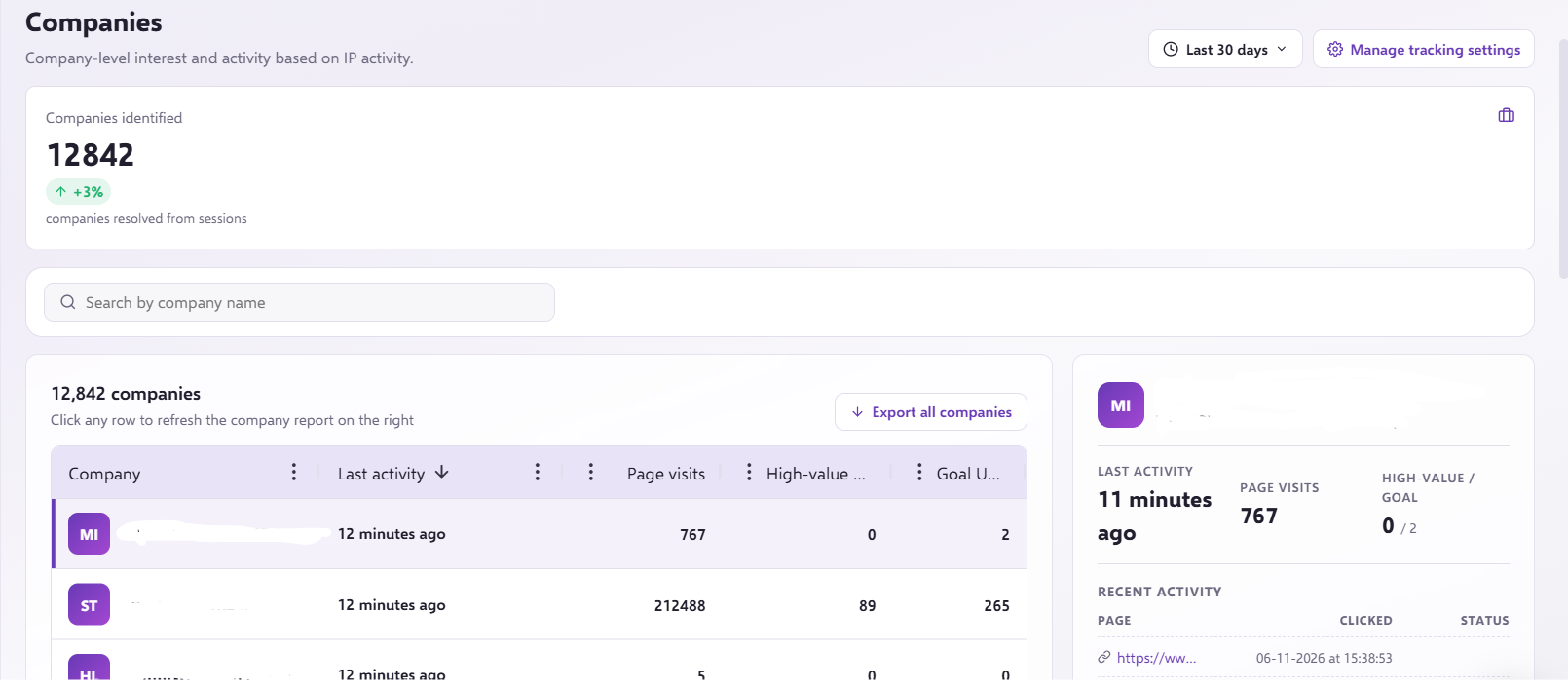
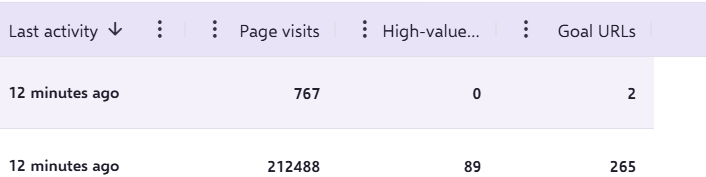
This includes the Last Activity of a company, Page visits, High-value URLs and Goal URLs:
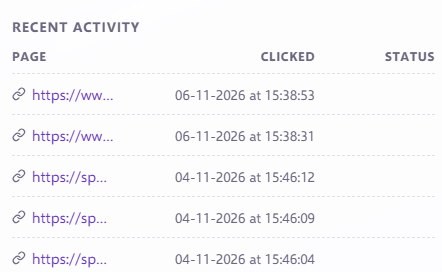
Recent Activity
This provides some examples of the pages that the companies have visited:
Need a hand?
If you have any questions, reach out to us on live chat using the chat bubble in the bottom right of the Force24 platform. Our team is ready to help whenever you need it.