
Customising an SMS Sender ID
When creating an SMS campaign, you can customise the 'From Name' that appears in your contact's mobile inbox. This is known as your Sender ID.
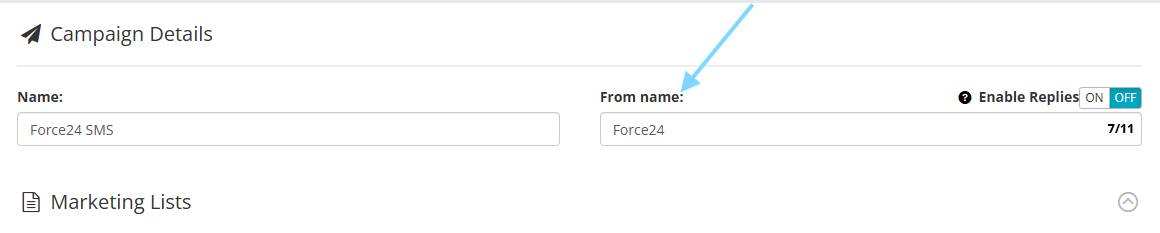
Rules for customising your Sender ID:
When you switch off replies to display a custom Sender ID, your chosen name must follow these global network rules:
Maximum of 11 characters
Alphanumeric characters only (letters and numbers)
No spaces or special characters (e.g., hyphens or punctuation)
Why the limit? This 11-character technical restriction has been a global telecom standard since the 1990s to ensure brand names fit cleanly onto any mobile screen size.
Need a hand? If you need any further assistance with creating or launching your SMS campaign, please reach out to the team via the platform chat bubble at the bottom right.