
If you've uploaded data into Force24 but didn't create a Marketing List at the time, you can still create one afterwards. All you need is the import key linked to that upload.
Do this soon after your upload
Import keys can change if the data is updated later on, so it's best to follow these steps shortly after the upload has finished.
How do I create a Marketing List from an existing upload?
Follow these steps to add the contacts from your upload to a new Marketing List:
- Go to Upload Contacts.
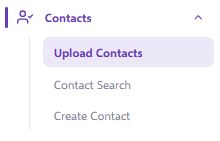
- Find your upload and click the hyperlinked import key. This opens a contact search page showing the results of that upload.

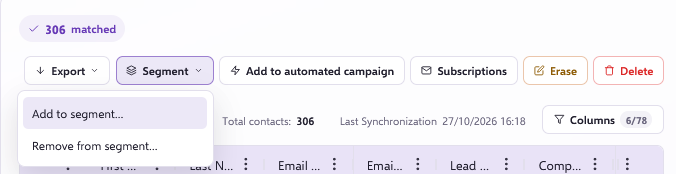
- Above the results, click Segment. Click Add to Segment.
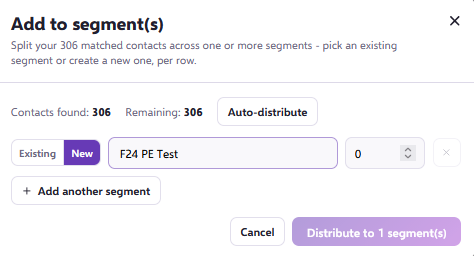
- In the search bar, type the name of your new Segment and select it. If the Segment doesn't exist yet, select the "New" Option and type in the name you'd like it to have.
- Click Auto-distribute and then the Distribute to segments button.
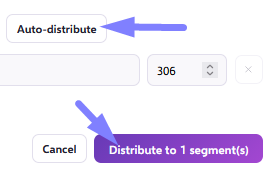
The contacts from that upload will now be in your new Segment.
Not sure which upload to use?
If you're unsure which upload to pick, or have questions about the import key, get in touch via live chat. We can help you find the right data and build your list.