
When creating a pop-up, you have the capability to add a form into this pop-up.
Firstly, we need to head to the Design tab and select Pop-ups: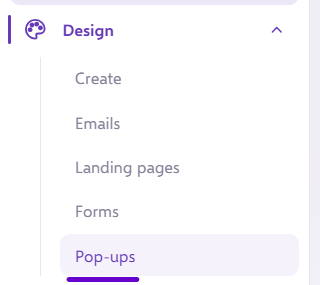
Here, you can either create a new Pop-up from a blank canvas, or pick a template: 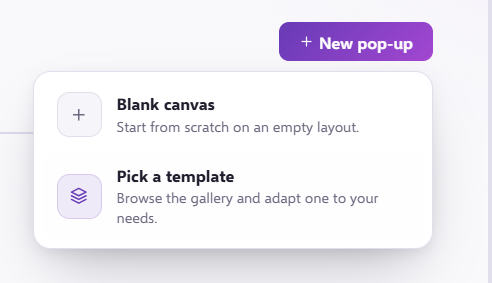
Once, created, you will see an option to pick a form and drop this into the Pop-up: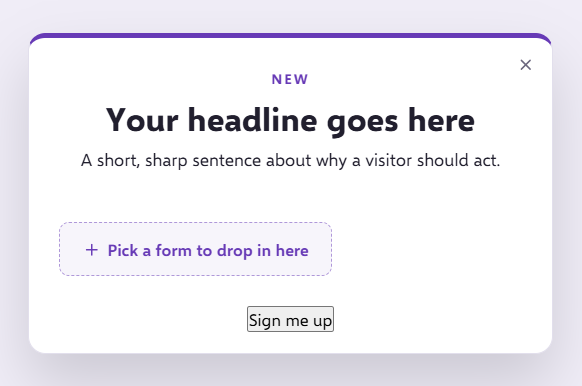
You can then select which form you want to use, simply click 'Use This Form':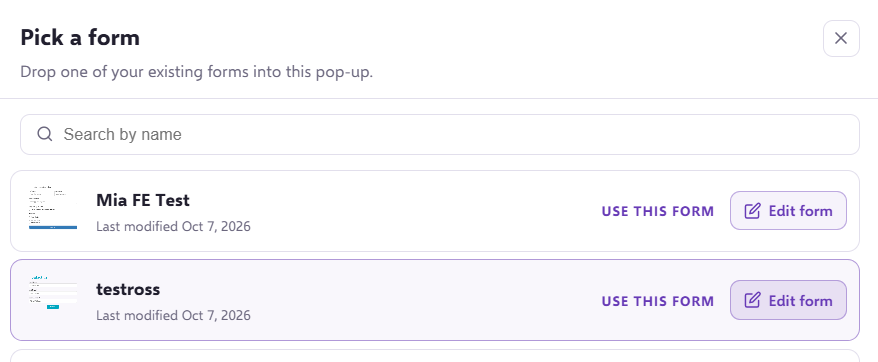
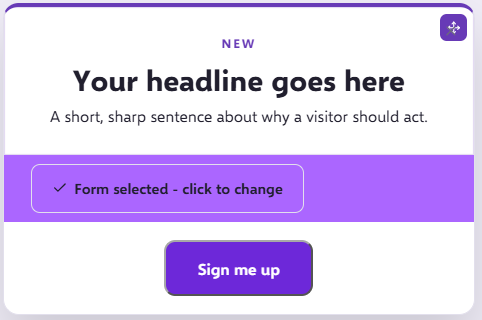
Your form will then be placed into the Pop-Up.
If you need to look at how to build a form please take a look here
If you have any questions, feel free to reach out to us through the live chat function available bottom right in your Force24 Platform. Our team is ready to assist you and provide support whenever you need it.