
Here we will explain how you can add multiple email addresses to receive your form submissions.
When you have created your Force24 form and have added this into your Landing page, you can add as many email addresses into the form, to receive the submissions sent.
- If you have not yet created your form you can do so by following the steps here
- If you have already created your form, but now need to add this to your Landing page, follow the steps here
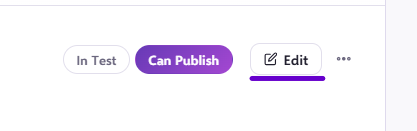
Start by entering your Landing page by clicking edit:
Once you have clicked into the Landing page, click into your form and this will bring up the form settings column on the right hand side of the page:
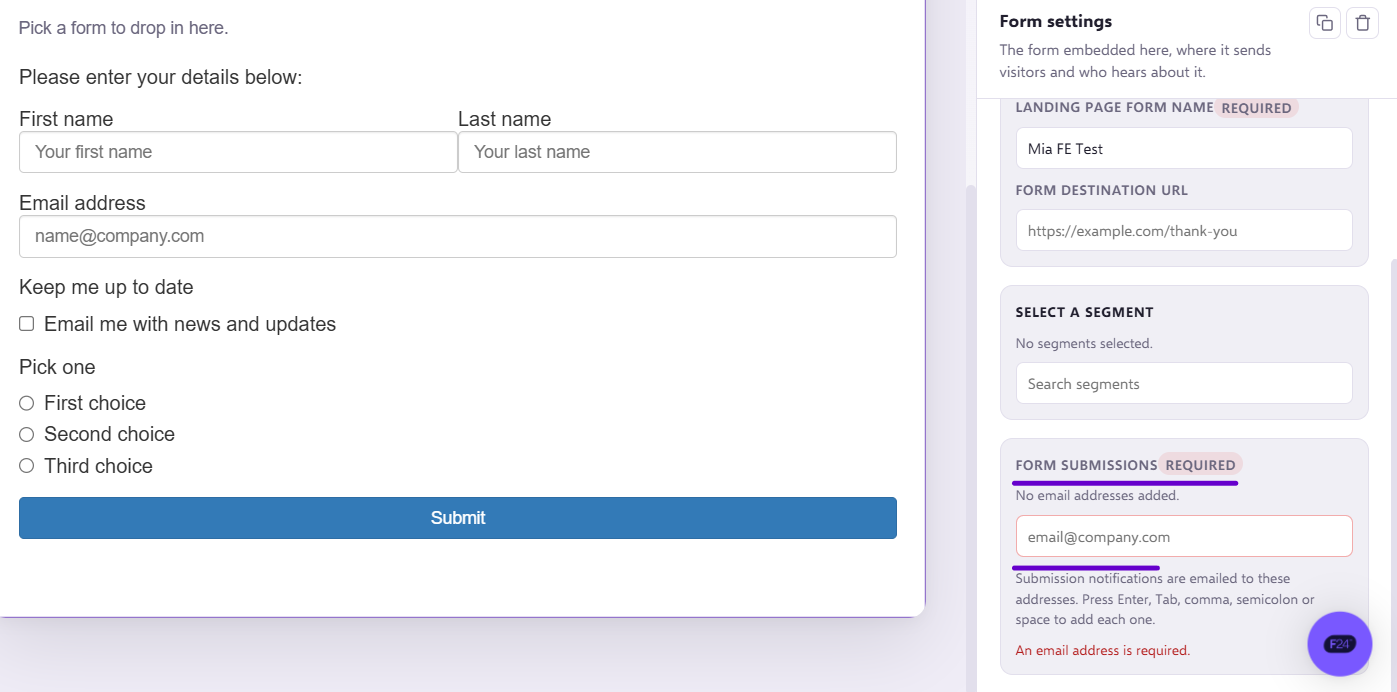
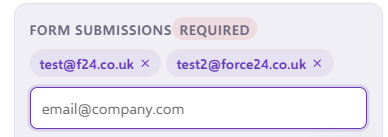
Here is where you can add the email addresses of who you would like to receive the submissions:
You must click on the save button after making your amends, which will be highlighted in purple in the top left-hand corner of the Landing page:
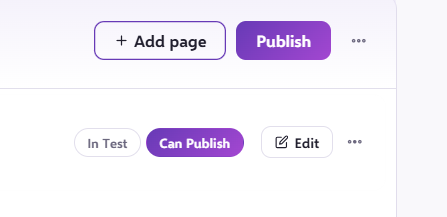
Once these have been updated, it is important to publish the page or the changes will not go live. You can do so by exiting the page after these steps, and clicking 'publish' on the right-hand side of the tab.
If you have any questions, feel free to reach out to us through the live chat function available at the bottom right, in your Force24 Platform. Our team is ready to assist you and provide support whenever you need it.