
Firstly, you must login to you account and select "Journeys" from the navigation
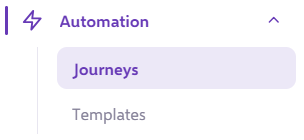
From the list of journeys you can find the specific journey you wish to "Stop"
Use the search function at the top of the page if you would like to search using the journey name

Once you have found your journey, you will see the three dots to the right. Click it and find the 'Stop Journey' button. Click this.
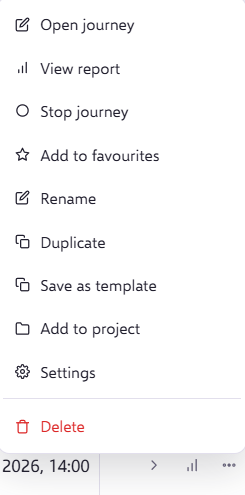
You will be prompted to confirm your request:
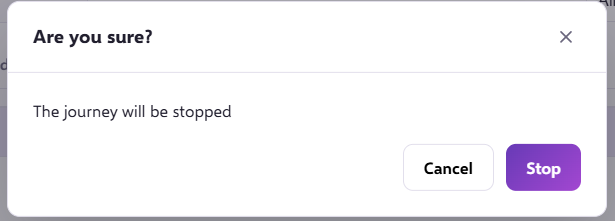
Once confirmed, the journey will display health as 'Watch' while the stop is processed.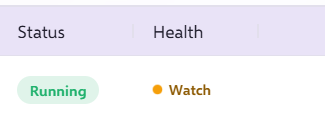
The health will then change to 'Inactive' when the journey has stopped.

Once in the stopped state, no actions will be taken by the system inline with this journey. All contacts will be held in the stage where they were at time of pausing (once started again, the contacts will continue).
If you have any questions, feel free to reach out to us through the live chat function available bottom right in your Force24 Platform. Our team is ready to assist you and provide support whenever you need it.