
Managing your Segments is essential for effective outreach. Here's a quick guide on how to remove contacts from a Segment.
Step 1: Go to Contact Search
Navigate to Contact Search on the left side navigation bar.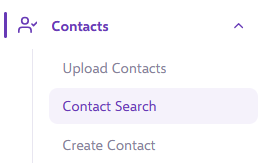
Step 2: Search for the contact
Specify the contact you want to remove and review the search results to identify the correct ones.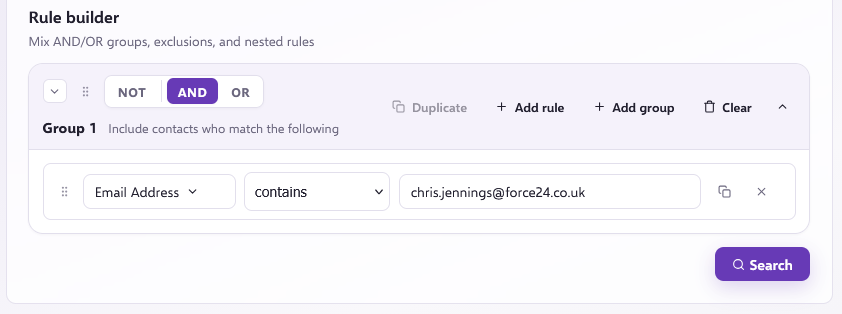
Step 3: Access Segments
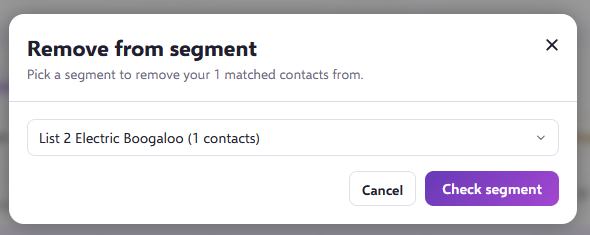
Above the results, select Remove from Segment, then select the Segment you want to remove the contact from and click Check Segment to confirm that they are in the Segment.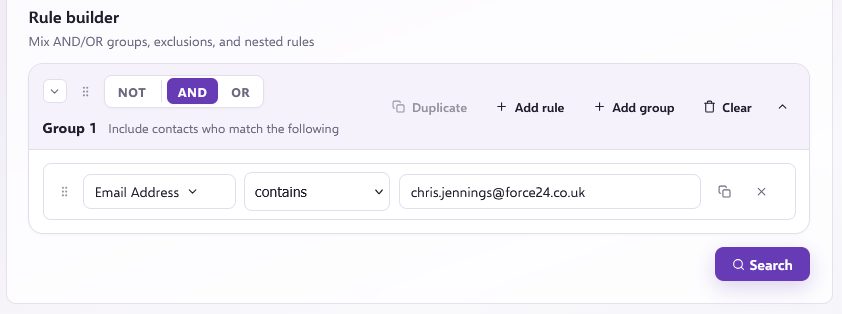
Step 4: Confirm removal
If there are contacts in the list, you'll be given the option to use the Remove Contacts button to remove the contact from the selected Segments.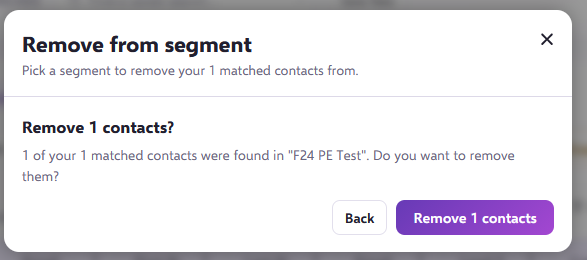
By following these steps, you can easily keep your Segments updated and make sure your campaigns are targeted and effective.
Still need help?
If you have any questions, get in touch through the live chat in the bottom right corner of your Force24 platform. Our team will be happy to help.