
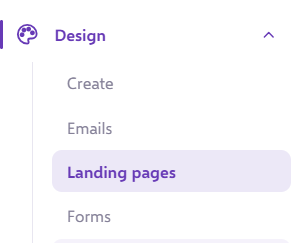
You will need to head to the "Landing Pages" section of the platform;
This will bring up a list of all your landing pages:
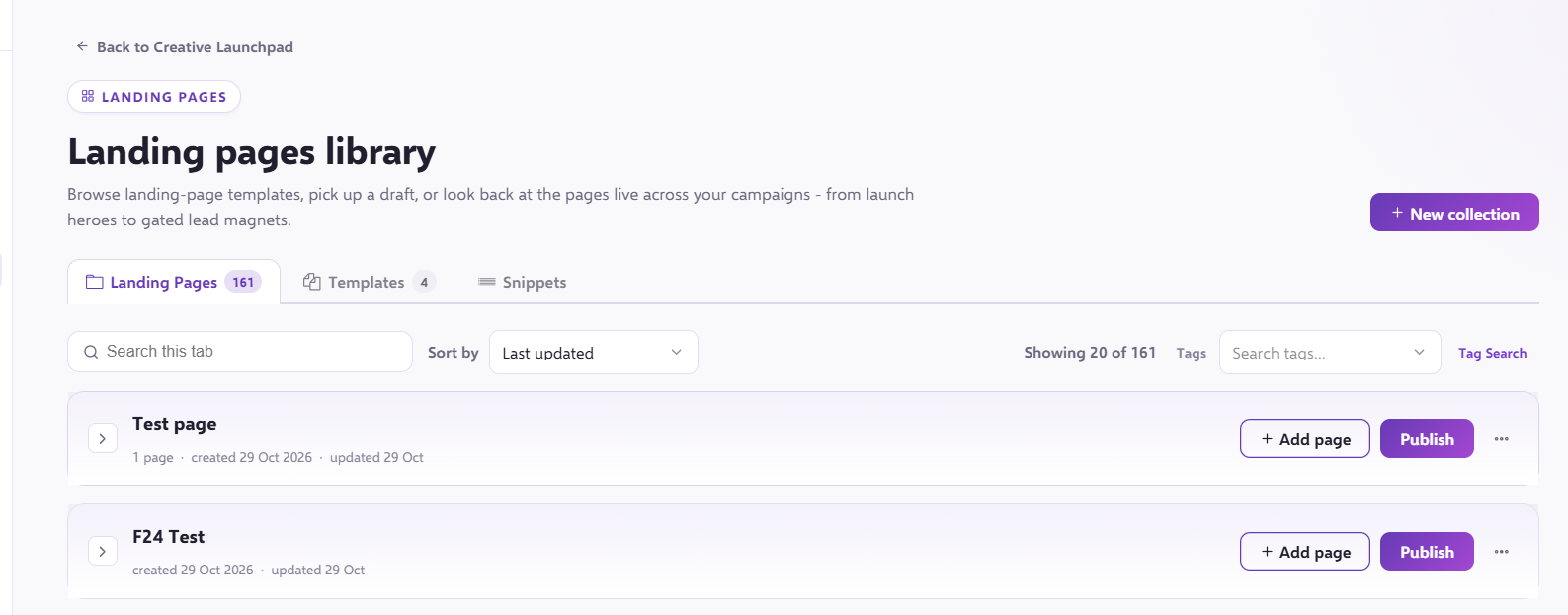
You can't create a template of a whole landing page, only of pages within the landing page.
If you open up the landing page which contains the page you want to clone, this will bring up a list of all the pages:

Hover over the page you want to create a template of, and press the three dots. This will bring up the following menu:
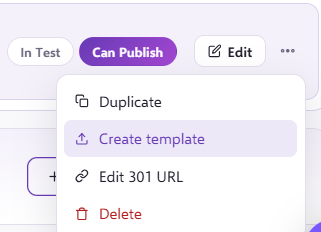
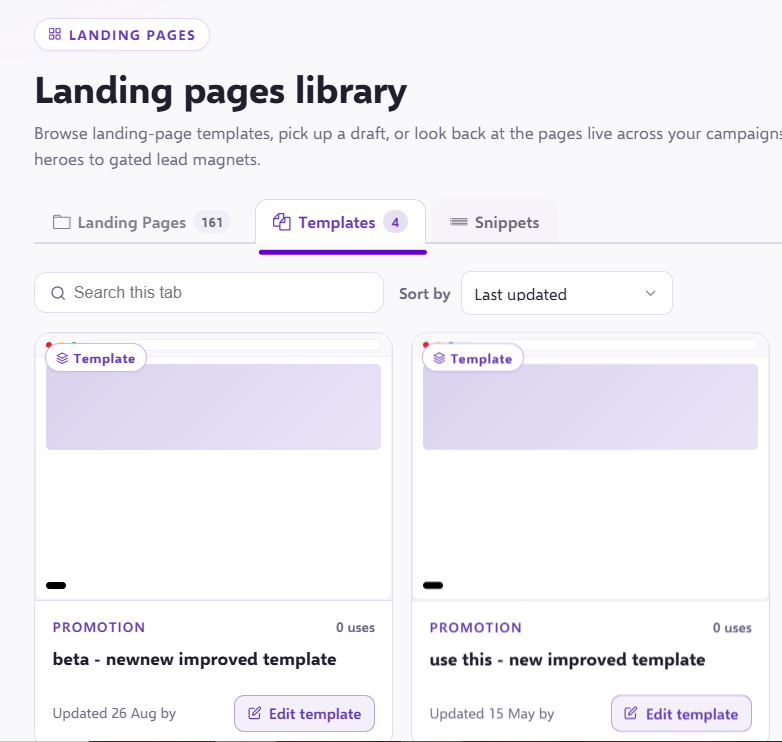
Select "Create Template", and a copy of the page will then be moved to "Templates" in the top bar:
If you have any questions, feel free to reach out to us through the live chat function available bottom right in your Force24 Platform. Our team is ready to assist you and provide support whenever you need it!