
Journey templates are base frameworks for you to build your automated sequences. The templates include the recommended sequences we would typically use to build a journey; these can be edited, added to and used to send out your communications. As well as making journey building even quicker and easier.
To access the feature, you can press 'Template' from the 'Journey Manager' page.
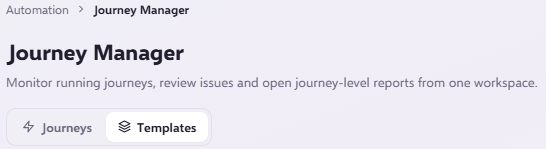
When selecting this option, you will then be met with a selection of journey templates that have been pre-made for you to use. Including a brief description of how and why this may be used.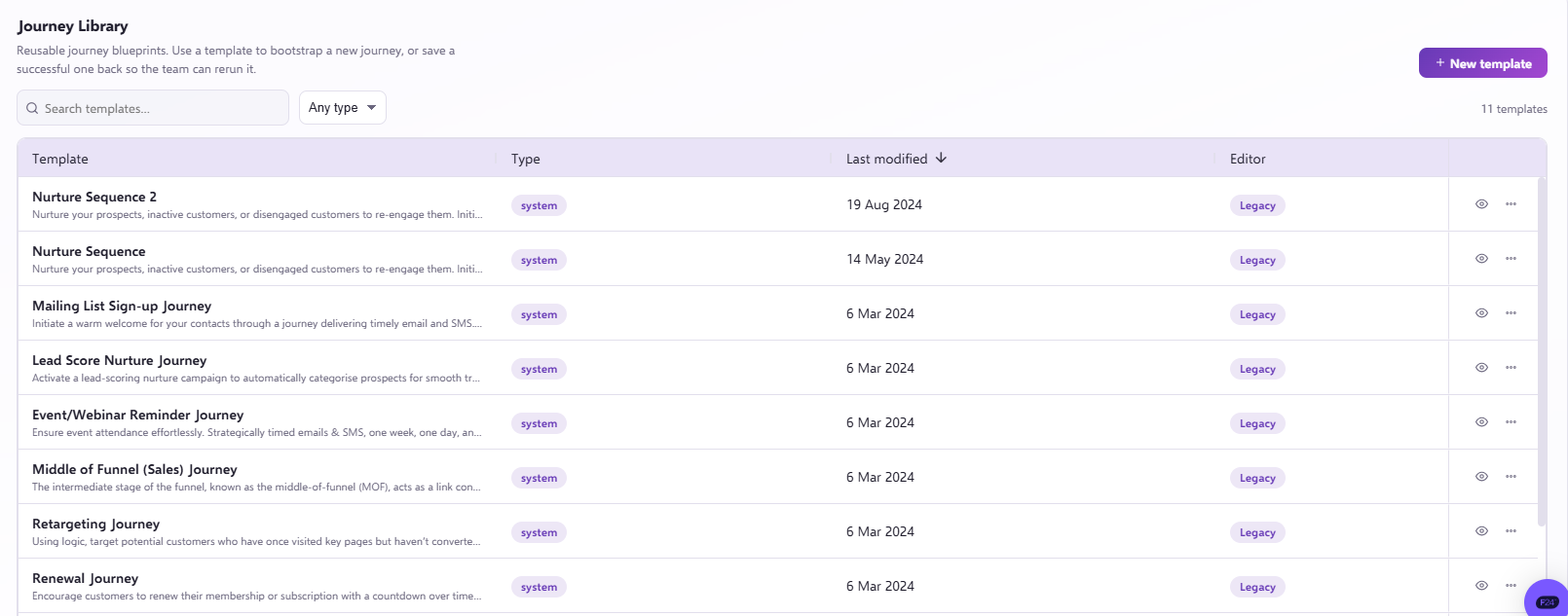
To select a journey template, you can click the three dots on the right (...) and click 'Use template'.
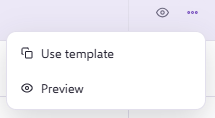
You will be asked to confirm the journey name and once it has opened you will have have confirm you want it to 'Convert to V3' which will allow to to edit on this front end.

The editor will alert you to any more sections that need attention under the 'Validation' tab on the right. This will include things like the start audience and email inputs.
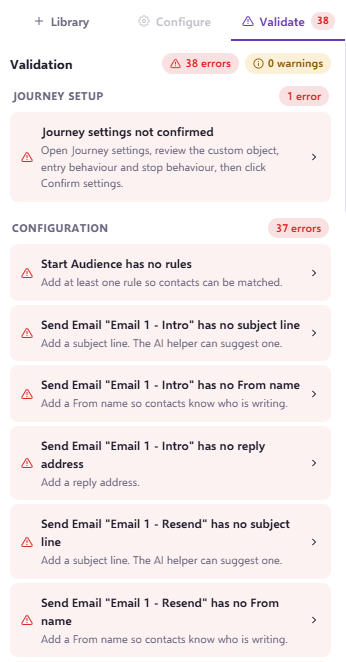
Once you have inputted the details relating to your journey, you may finally begin editing. A journey template is a framework; you will be required to input all relating fields to your journey such as subject lines, make decision queries, email templates, journey settings and so on.
Please note that journey component queries will be removed and this will be a base framework only.
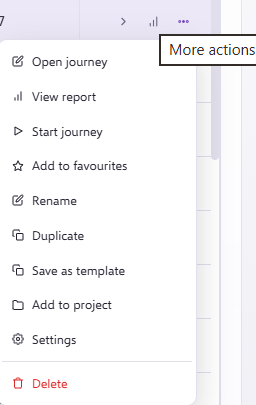
You can edit your description, template name or delete the template at any time from your 'Journeys' page.
For further support or any additional queries, please reach out to our helpful support team via the live chat.