
To determine the number of active contacts in your system, follow these steps:
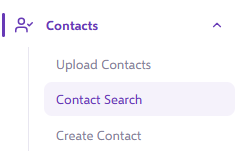
- Navigate to Contact Search.
- In the filter options, set Status - Global to Active by selecting it from the dropdown list.
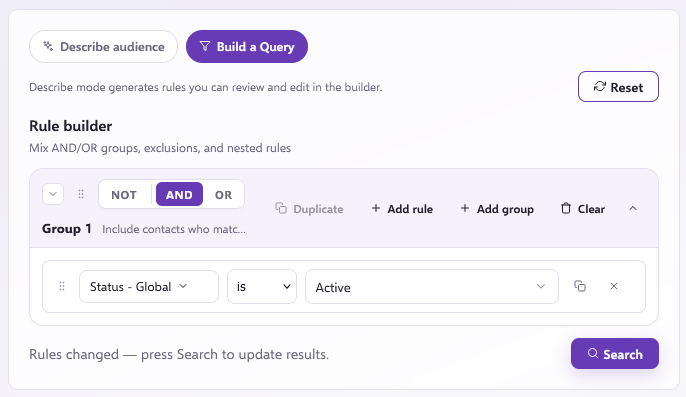
- Click Filter Contacts.
Your query should look like this:
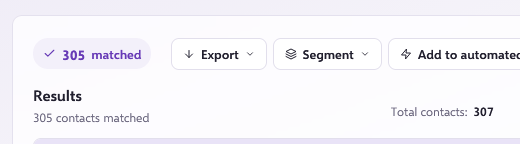
This search will display the total count of active contacts within the platform:
Note
For more details on the different status options, please refer to our What are the different types of contact statuses? article.