
Firstly, head the landing pages tab in the platform: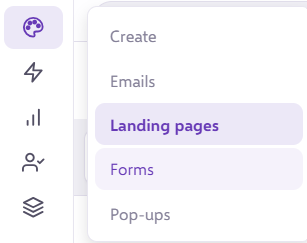
Open up a landing page of your choice and you will find 'Video's' under 'Add Block' on the left-hand side column:
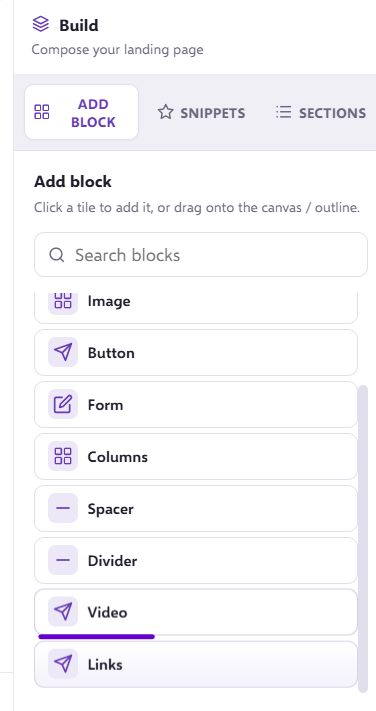
This will add a video snippet onto your landing page like so: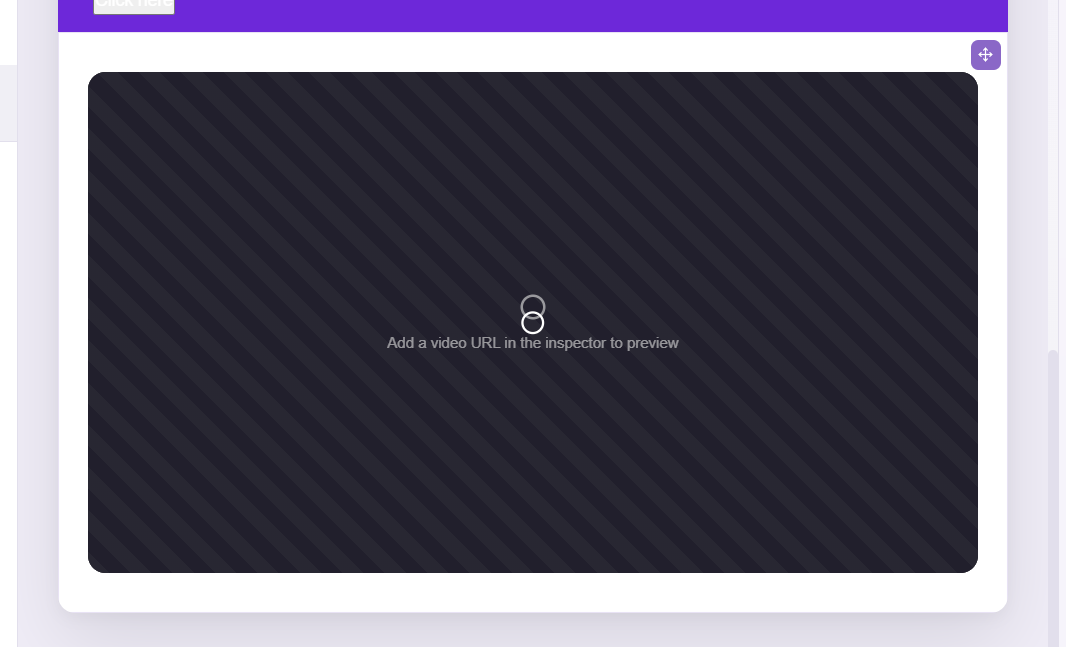
Click the video until this column pops up on the right-hand side of your landing page builder: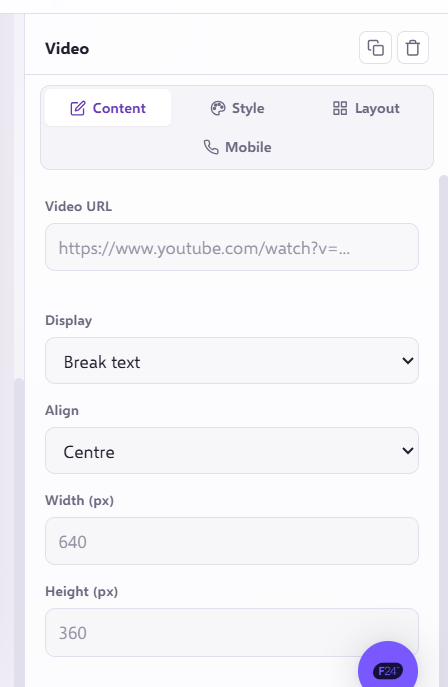
Under Video URL - place the URL of your selected video.
Once the video is added in, you can adjust the size of it by adjusting the width and height.
If you have any questions, feel free to reach out to us through the live chat function available bottom right in your Force24 Platform. Our team is ready to assist you and provide support whenever you need it!