
If you wish to update the subscription preferences of a large group of contacts all at the same time, you may do so using our bulk update feature.
- Open Contact Search from the left-hand navigation:
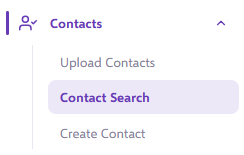
- Perform a contact filter as normal to access the contacts whose subscription preferences you wish to update, then click Search to generate your contact list.
- Above your contact list, you will see the option to select Subscriptions:

- Click this option, and you will be presented with the Update Subscriptions popup that will allow you to set a value for the group of contacts:
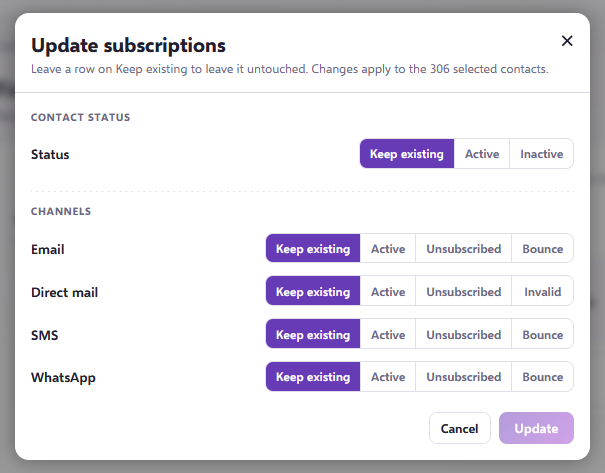
- Select how you would like to alter the Contact Statuses and Subscription Preferences. By using the Keep Existing option, the system will leave that aspect untouched. Once you have finished making your updates, select Update to apply the changes to your contact list.
Need further assistance?
If you have any questions, email Force24 support at support@force24.co.uk which will open a support ticket for you, or reach out through the live chat function in the bottom right of your platform.