
Based on customer feedback, we have introduced the new Billing Portal. It gives you full visibility and control over your invoices and payments in one secure place.
What does the Billing Portal do?
The Billing Portal gives your organisation's master user or Finance Team access to a secure dashboard containing all the billing information for your Force24 account.
Once the master user has accepted their invite and set up their credentials, they can:
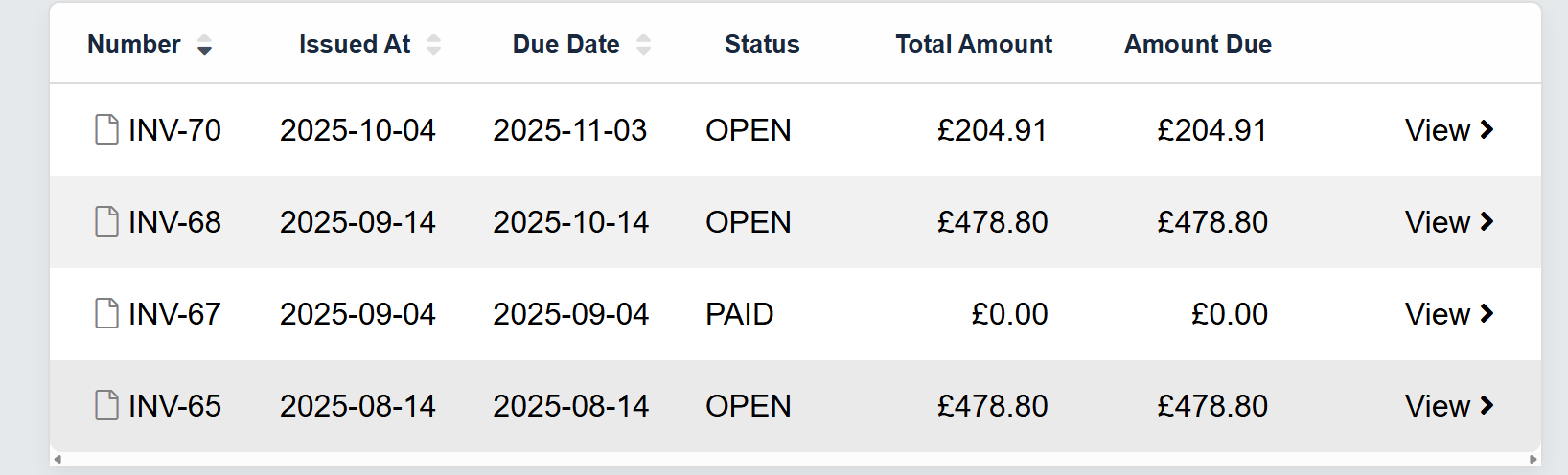
- View all historic invoices: see which have been paid and which are still outstanding.
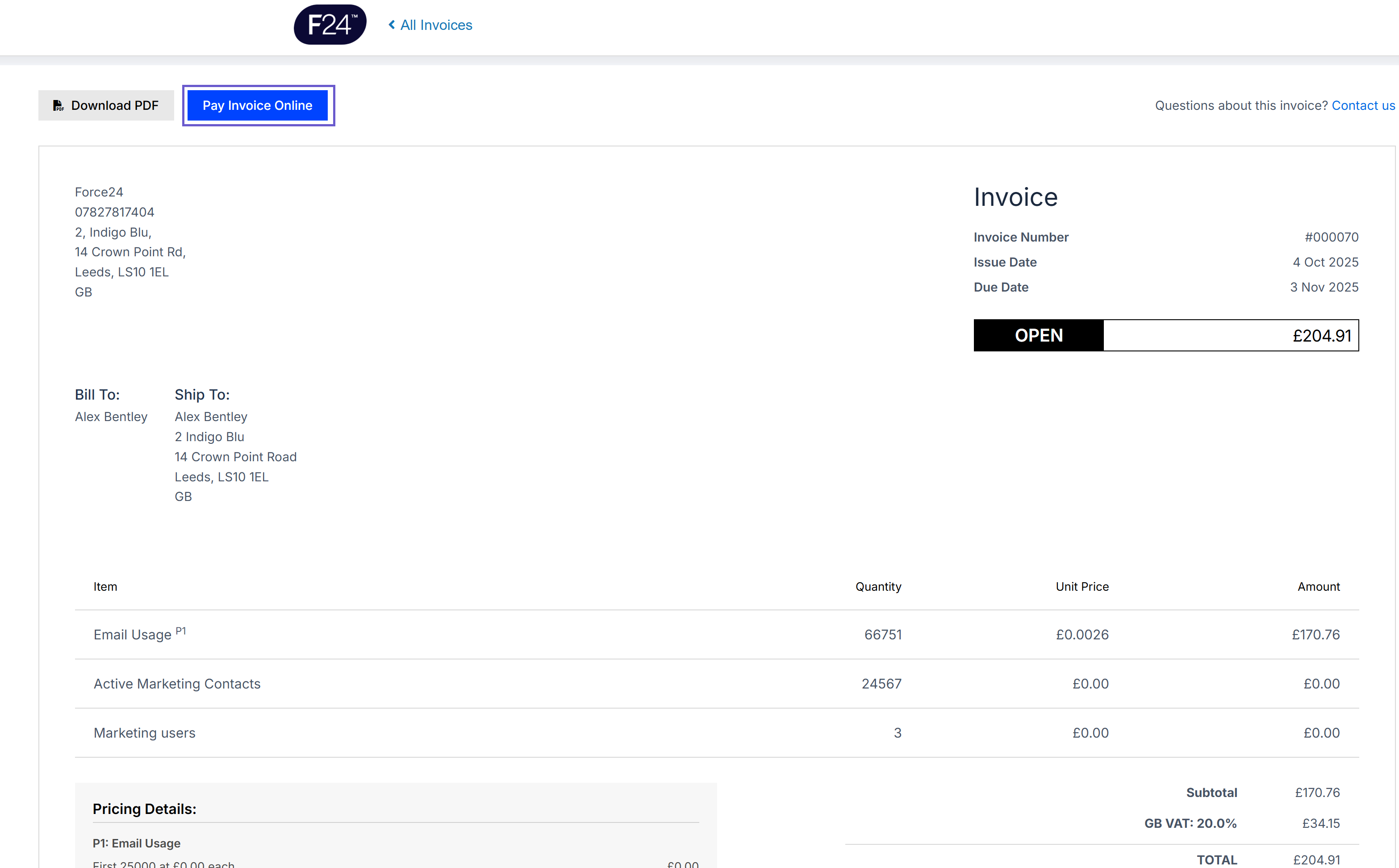
- Check current month invoices: see your standard subscription fees alongside any additional usage, such as extra contacts, emails or SMS messages.
- Make payments directly: update payment details and pay outstanding invoices securely within the portal.
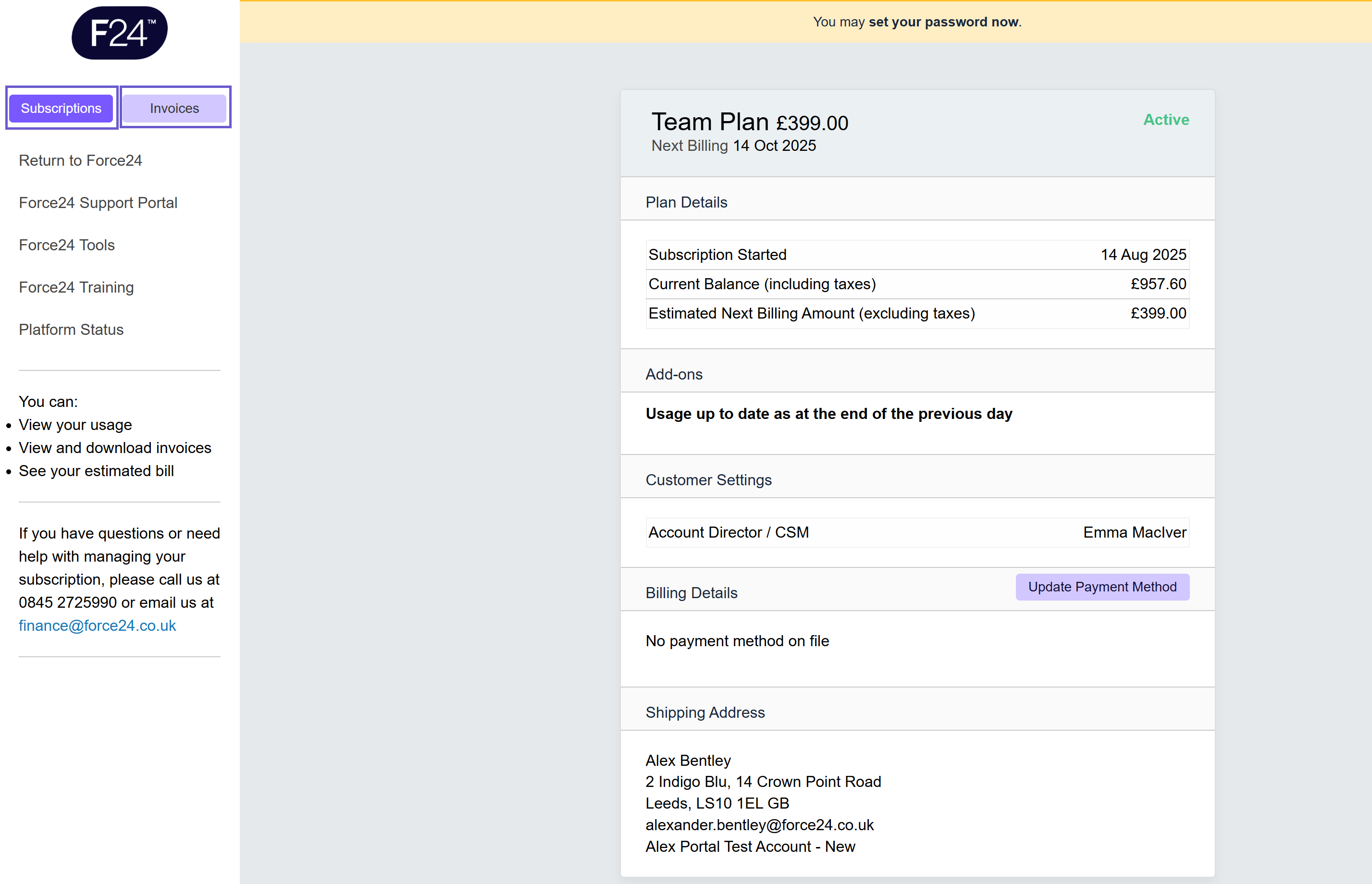
- Track monthly estimates: the portal updates daily to show an estimated total for the current month. This reflects any overages or feature usage as they happen, so you can keep track of your spend in real time.
Estimated totals
The monthly total shown in the portal is an estimate that updates daily. The final total is confirmed at the end of each billing cycle.
What are the key features?
| Feature | Description |
|---|---|
| Master User Access | Only the nominated master user can access billing data. |
| Daily Updates | Totals refresh every 24 hours to reflect live usage. |
| Historic Visibility | A full invoice archive with payment status. |
| Integrated Payments | Update details or pay directly through the portal. |
| Secure Access | Protected with Force24's standard authentication and encryption protocols. |
What does the Billing Portal look like?
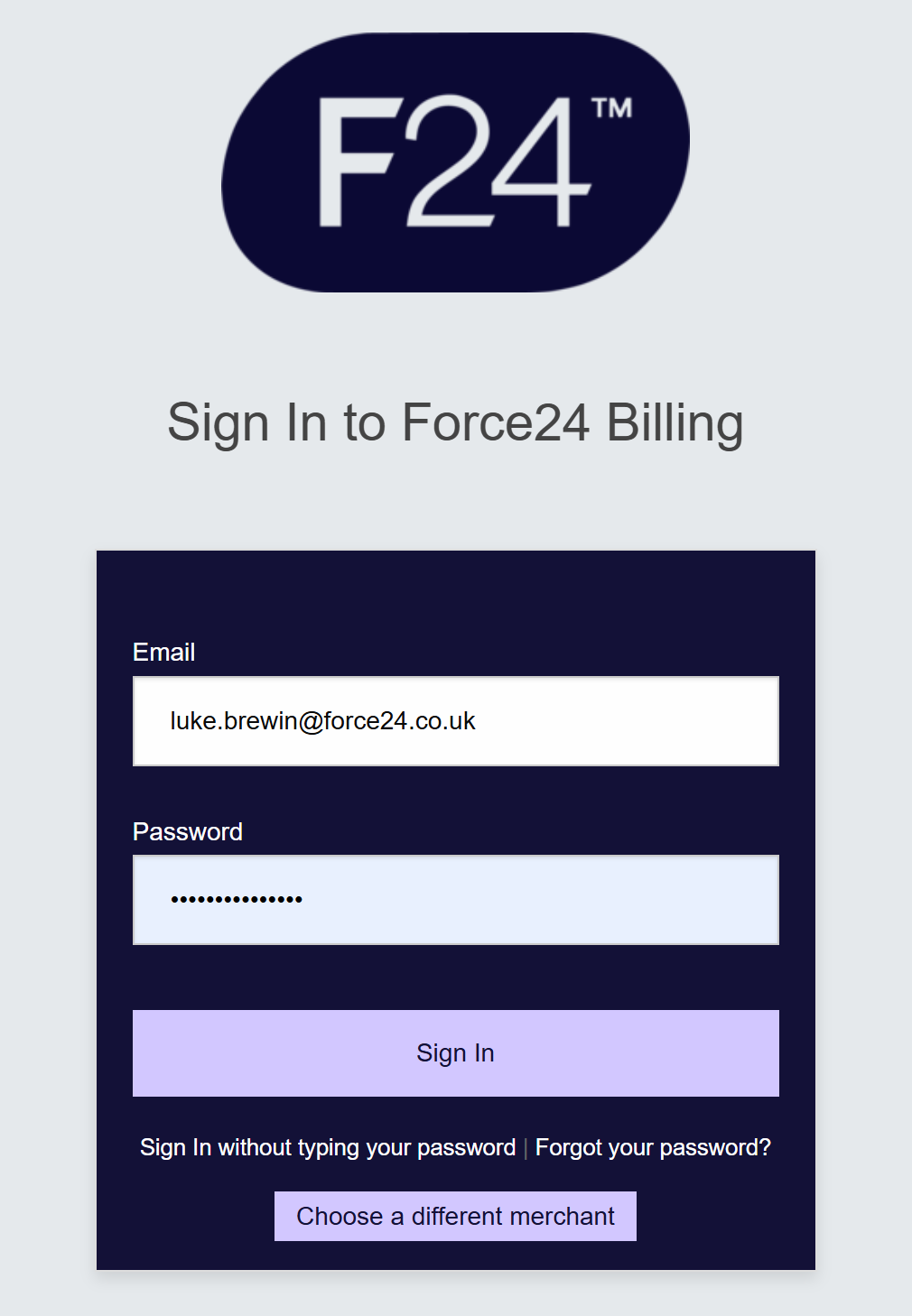
Secure sign-on for customers
View current usage and charges in the month
View all historic invoices
View and pay invoices online
Frequently asked questions
Who can access the Billing Portal?
Only the master user for your account. If you need to change this, please contact your Account Manager or email finance@force24.co.uk.
How do I get access?
An email invite will be sent to your master user. Once they have accepted it, they can set up their account and log in straight away.
When are invoice totals finalised?
The portal shows an estimated monthly total that updates daily. The final total is confirmed at the end of each billing cycle.
Can I update my billing contact or payment method?
Not at this stage. If you would like to do this, please contact finance@force24.co.uk.
What if I spot a discrepancy?
Please reach out to our Finance team or your Account Manager. You can find their contact details directly within the portal.
Still need help?
If you have any questions about your invoices or the Billing Portal, contact your Account Manager or email finance@force24.co.uk.