Your AI assistant can generate email content based on your existing email content, a prompt and/or the brand information you have provided. You can regenerate the content and change your prompt as many times as you need.
Haven't trained your AI assistant yet?
If you want to teach your AI assistant about your brand, learn more in our Training your AI assistant article.
How do I find the AI assistant in my email template?
Open your email template and click the text section you want to add to. You can then click the AI icon in the text editor:

How do I write my prompt?
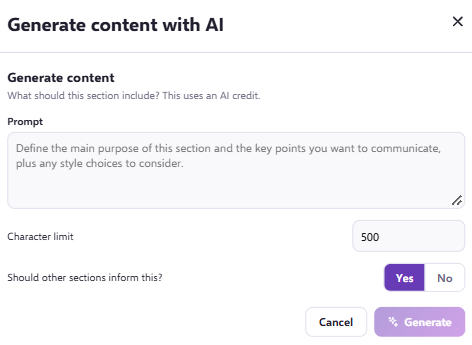
After you click the AI icon, a new window opens within your email template. In it you can:
- Prompt the AI assistant on what you want this section to contain.
- Set a character limit.
- Choose whether the rest of the email is relevant to this content.
How do I generate the content?
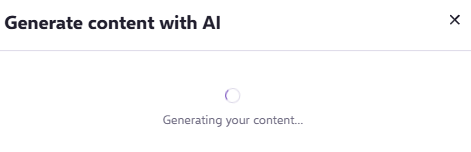
Once you have entered your prompt, click Generate. The AI assistant will analyse your template and your request, which may take a moment:
How do I use or change the generated content?
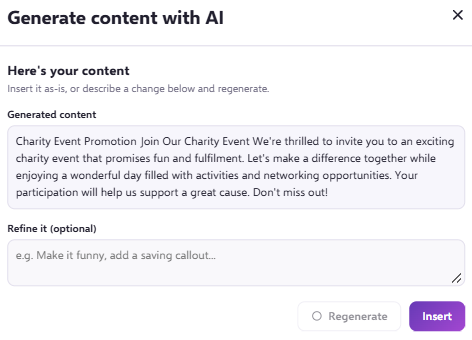
When it has finished, the Section Preview shows a version with the changes you asked for. From here you can:
- Insert it: if you are happy with the new content, click Insert.
- Adjust it: to make other changes, Refine it in the text input and click Regenerate.