
Using the spam and attention score generator within the email builder, you can assess how your email will fare against others, covering inbox placement and the attention it will receive from recipients.
Accessing the spam and attention score
To access this feature, press Score along the top toolbar of your email template:

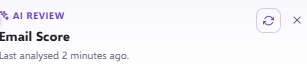
After pressing Score, you will see the option to generate using the refresh button within your right-hand menu:
Interpreting your scores and tips
Once generated, your template will display tips and recommendations on how to improve your content to grab user attention and enhance deliverability. These tips are colour-coded to indicate priority level—note that a high-scoring template may still have medium-priority changes to make:
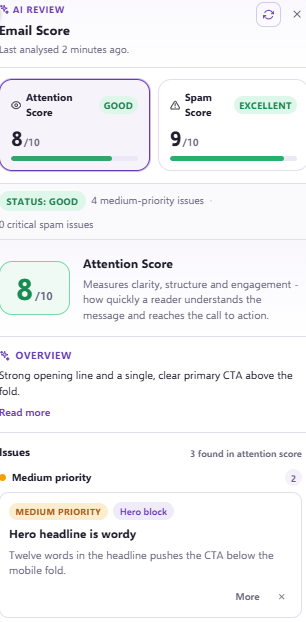
The higher the score, the better the template is, appearing in green, amber, or red depending on the result.
Updating and regenerating scores
After changing your content to improve your scores, your score will update automatically. You can see the last time it was updated and can push it with the reload arrows if needed:
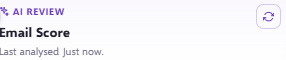
You can regenerate your score as many times as required depending on your desired outcome.
Need further assistance?
If you have any questions, email Force24 support at support@force24.co.uk which will open a support ticket for you, or reach out through the live chat function in the bottom right of your platform.