
To reset your password, follow the steps below:
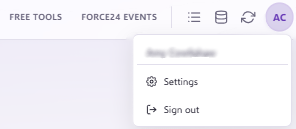
- Click on the initial icon in the top right corner of your screen and select Settings:
- In the Security section of your user settings page, locate the Password header:
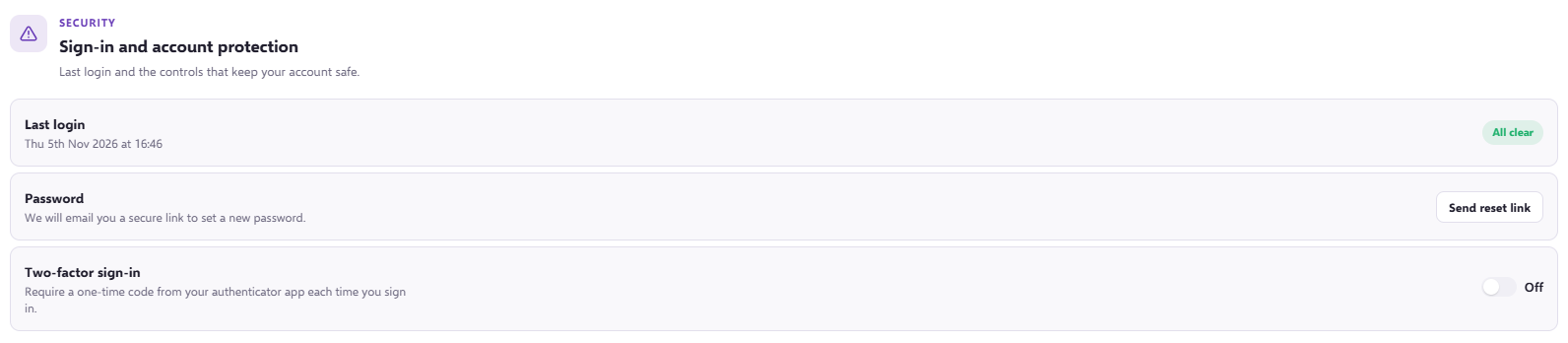
- Click the Send reset link button. A password reset email will be sent immediately to the inbox associated with the account you are logged into:

- Go to your inbox and open the password reset email. Click the button inside the email to open the password reset page:
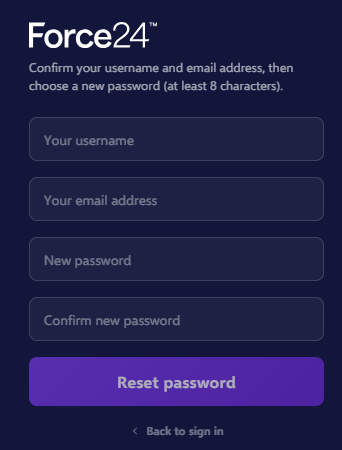
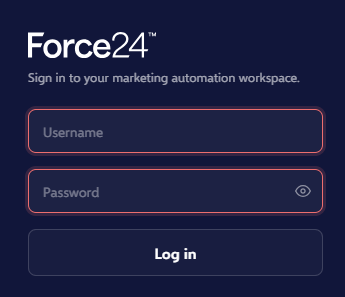
- Fill in the required fields and click Reset password. Once successful, you will be redirected to the login page to access your account:
Need further assistance?
If you have any questions, email Force24 support at support@force24.co.uk which will open a support ticket for you, or reach out through the live chat function in the bottom right of your platform.