
This article explains the difference between amped and regular posts in SoAmpli, how to share and schedule posts, how to see who has shared your post, and how to show appreciation for your colleagues' posts.
What is the difference between amped posts and regular posts?
Regular posts
A regular post is for internal use only. Users can only comment and like within the SoAmpli platform, so it is a great way to get targeted information to your employees without sharing it externally. You can identify a regular post because it does not have a red rocket in the top right corner.

Amped posts
For a post to leave SoAmpli and be presented externally, it has to be amped (approved) by an admin or trusted user. This makes sure the content is on track and on brand. To amp a post, click the greyed out symbol in the top right corner of the post.
You will know your post has been amped when the red ‘amped’ tag appears in the top right corner, as shown below. This approves it for external platforms.

Sharing an amped post externally
- Click Share at the bottom of the post.
- Select the social channels you would like to share it on.

- Click Share now and your post will be shared externally to your chosen social network.
How do I know who has shared my post?
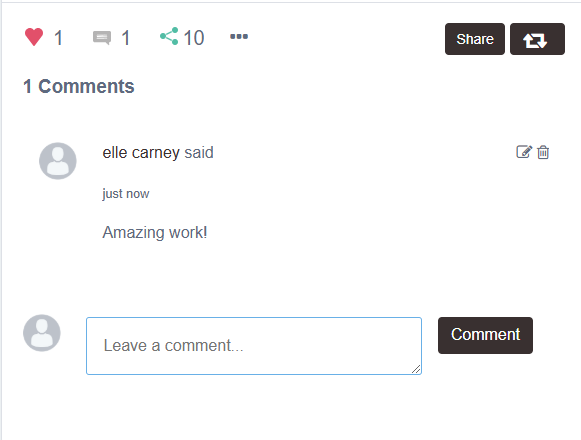
To see who has shared your post, click the share icon. This brings up a list of the users who have shared the post.

How can I show internal engagement?
It is always good to compliment others when they have done a great job. Use the Like and Comment buttons at the bottom of each post to show your appreciation. You can do this on internal posts that are not amped and are only shared within the SoAmpli platform, so every post can get some love.
How do I schedule a share?
- Click the drop down arrow on the Share button.

- Choose your preferred time and date.
- Click Schedule shares.

All posts created in the Feed and scheduled to be shared to personal networks at a later time can be found on the Queued page.

Only amped posts can be shared externally
A post needs to be amped by an admin or trusted user before it can be shared to external social networks, including when you schedule a share.