
You may see a notice like the one below at the top of your SoAmpli dashboard.

It means the authentication may have expired for one or more of the social media accounts connected to SoAmpli. This article shows you how to reconnect them.
How do I re-authenticate my accounts?
- Click the social icon next to click here to resolve.

- This takes you straight to the log-in screen of that social platform. Log back in to your account and you are reconnected, ready to share via SoAmpli again.

Where else can I see expired accounts?
You will also see a similar notification in the Your Profile section, showing which accounts have expired and need reconnecting.

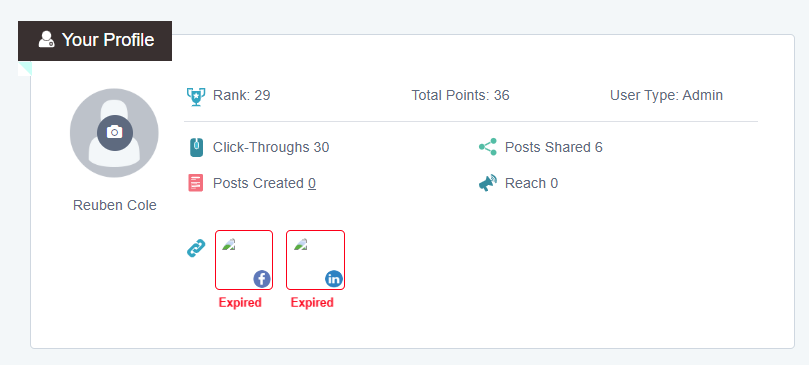
Again, when you click an account marked Expired, it brings up the sign in page for that social platform, so you can re-authenticate with SoAmpli.
Need a hand?
If you have any questions, reach out to us on live chat using the chat bubble at the bottom right of your Force24 platform. Our team is happy to help.