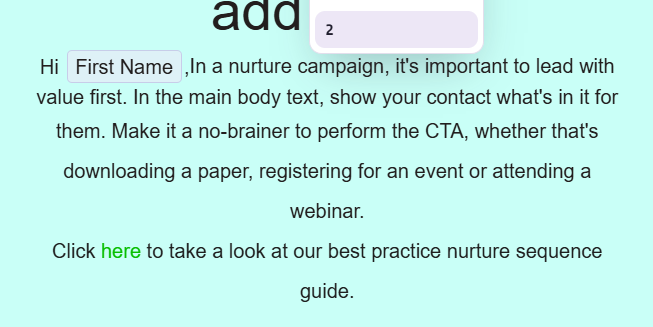
Editing line height at a snippet level:
Firstly click into the snippet you want to edit;
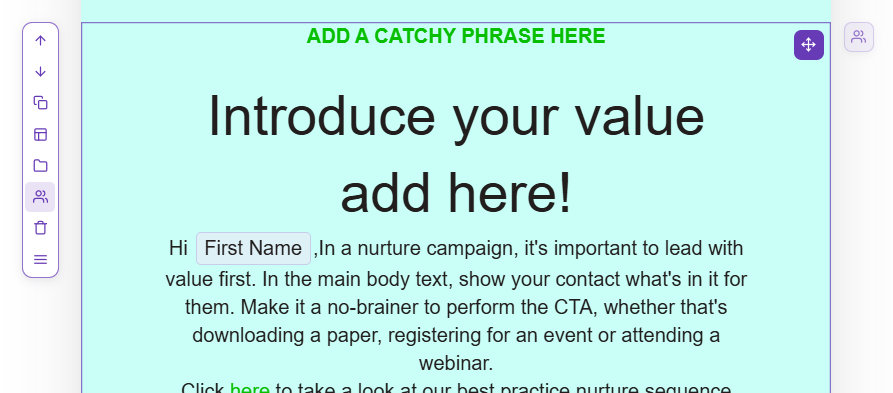
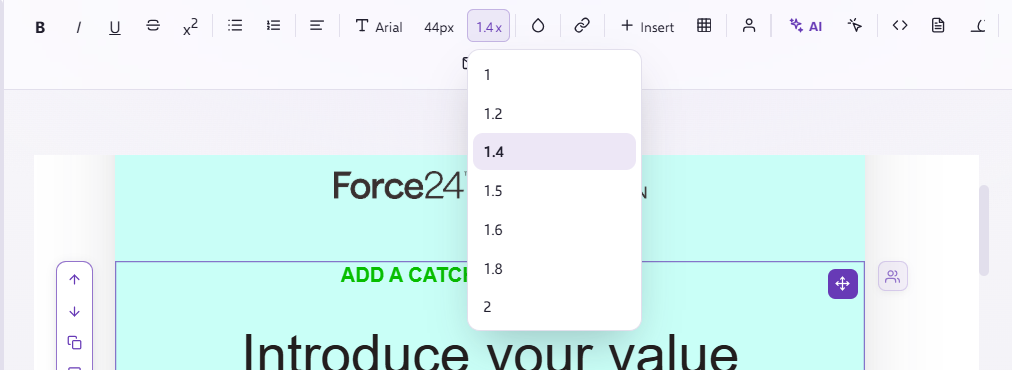
Once within this snippet, you can edit the line height of by using the line height tool on the top row

Once you click on this option there will be a dropdown of different line heights you can use, this will edit the line height for all the writing in the snippet;
Editing certain sections of writing in the same snippet:
Once you have selected the email template you wish to edit, ensure you are in the correct snippet:
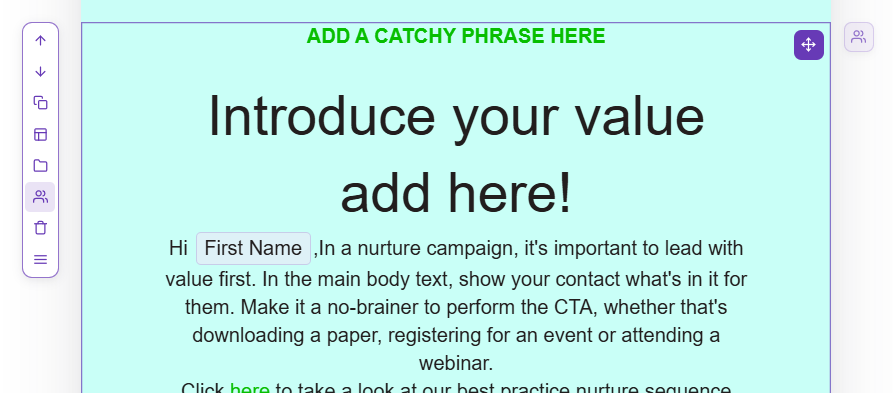
Highlight the text you would like to edit;
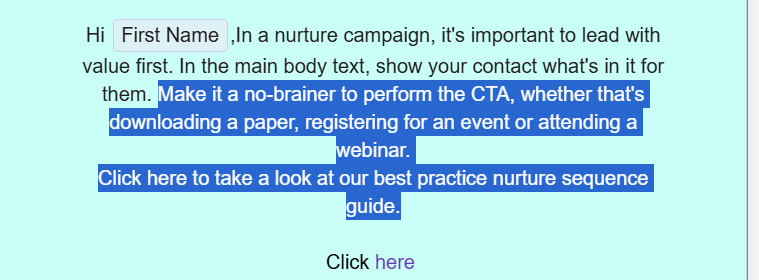
And select the line height button. Then select the percentage you want., this will change the line height of only the text selected;