
This article shows you how to mask your send domain with a personal email address, so your emails take on the appearance of a more personal email.
Warning
If you select the Yes option without performing the steps below, your email will not send. To enable this feature you will need to add a DKIM record to your DNS, key1._domainkey.yoursite.com as a CNAME, pointing to dkim.c.data-crypt.com. Please contact support if you require further instructions.
What do I need to set up first?
You'll also need to contact your customer success executive, who will provide a unique TXT record that will also need implementing.
Important
You will also need to make sure that your chosen reply address domain matches that of the send server domain, otherwise the campaign or Journey will not send with Mask From set to Yes. For example:
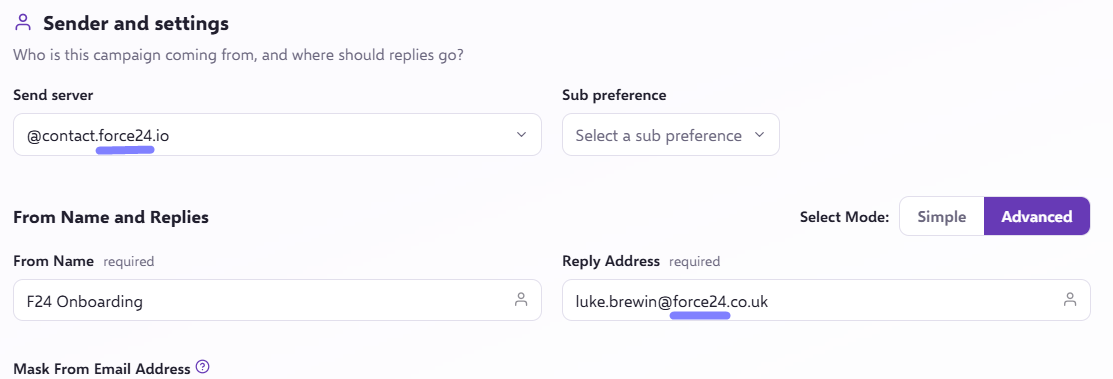
How do I mask the From address on a one off batch send?
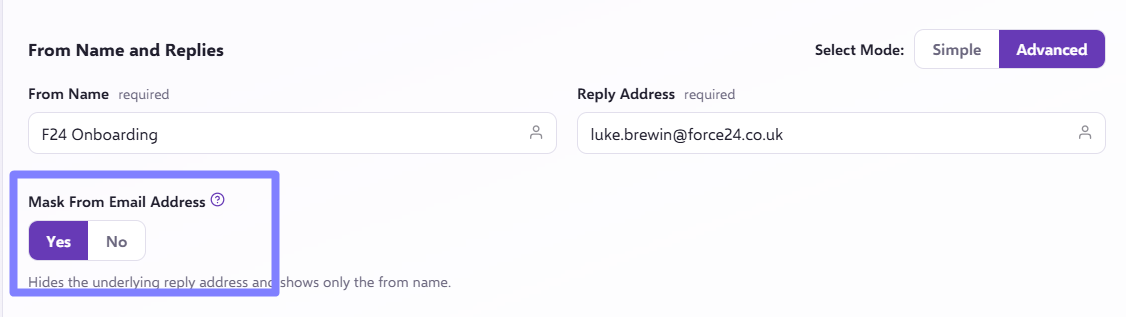
- During the organisation of your campaign, you will be presented with the From Name and Replies heading, where you can specify the From Name, the Reply Address and whether or not you would like to implement Mask From Email Address.
- You can access the option to use Mask From by pressing the advanced text that appears above the Reply Address.

- To action the Mask From Email Address and adopt the appearance of a more personal email, simply click the Yes option to implement.
How do I set Mask From as the default?
This can also be updated in your Send From Override settings. These are default settings, meaning you will not have to go through all the steps every time you make a campaign, as the details will already be there.
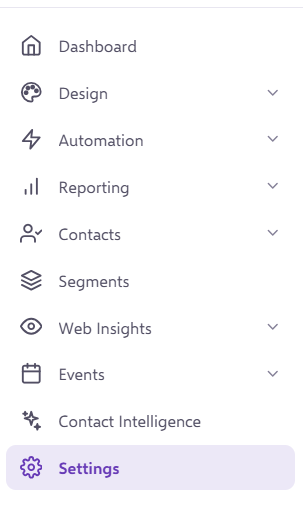
To access these, you will need to head to your Settings in the left hand side navigation bar:
Under 'Platform Settings' you want to go into the 'Messaging & Deliverability' tab;
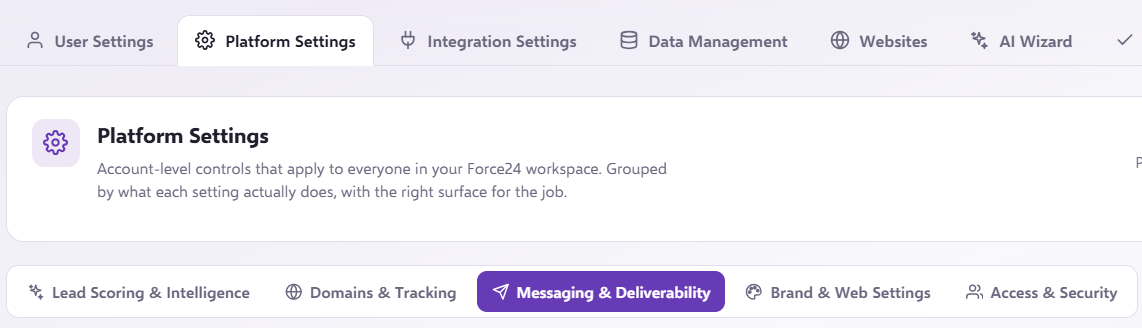
You then need to find the 'Send From Override' section.
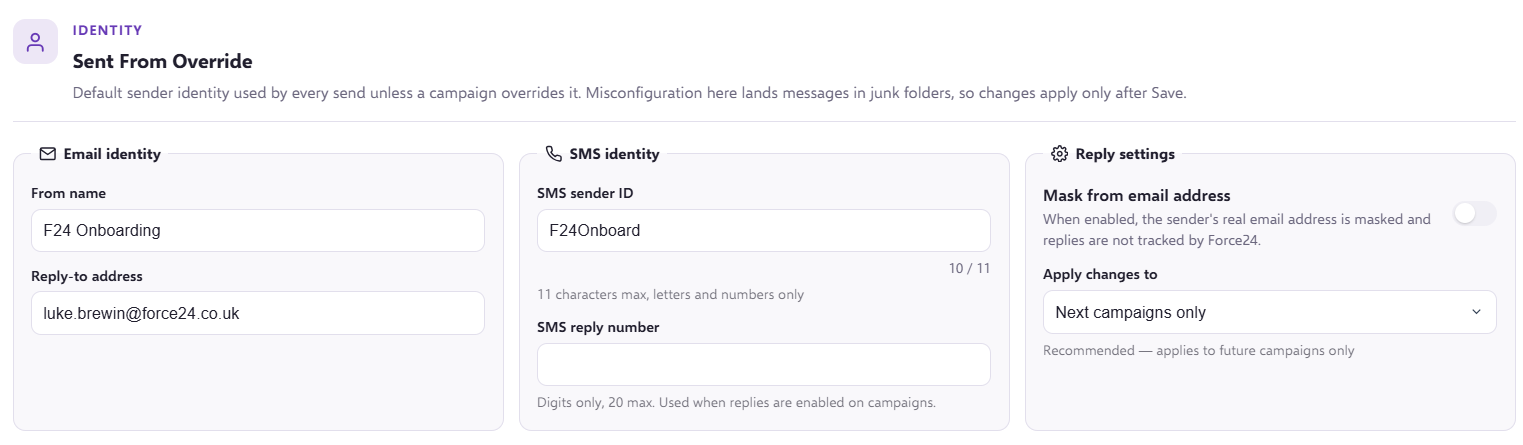
Once you have updated the Reply Address and set Mask From to Yes, these will be the default for your campaigns unless explicitly changed at campaign level.
When is Mask From useful?
This can be a useful feature in a number of industries:
Recruitment: a firm may want to improve engagement by making their emails appear as if they come directly from individual consultants. Instead of using the generic "from email address", which would be "hello@subdomain.yourdomain.com", they mask the "from" email address to show specific consultant names, such as jane.doe@firm.com for tech roles or john.smith@firm.com for finance positions. This approach personalises communication, builds trust with candidates, and increases response rates, ultimately enhancing the recruitment process.
Automotive dealership: a dealership may want to increase the effectiveness of their email campaigns for promotions and service reminders. Instead of sending emails from the generic "from email address" as above, they may want to mask the "from" address to appear as if they come from individual sales or service representatives, such as mike.jones@dealership.com or sarah.smith@dealership.com. This makes customers more likely to trust the emails, leading to higher open rates and better customer engagement.
Travel agency: an agency may want to improve the response rates for their trip offers and itineraries. They could mask the "from" address to appear as if emails are sent by specific travel agents, such as emma.brown@travelagency.com or david.lee@travelagency.com. This will make clients feel they have a dedicated agent, increasing trust and engagement, and leading to more bookings.
Still need help?
If you have any questions or need assistance, please do not forget to ask your Account Manager, or get in touch through the live chat in the bottom right corner of your Force24 platform.