
If you are experiencing issues receiving test emails, you can follow the steps below to troubleshoot and understand the potential reasons.
If you have never received a test email:
Some mail clients may classify test emails with the [TemplateTest] prefix in the subject line as junk or commercial emails, so make sure to check all your folders as they may not land in your main inbox initially.
If they aren't landing in your spam/junk folders it is possible that your IT department is blocking the emails. Test emails are sent from the Force24 test send server mailing identity, which is different from your main mailing identity.
To ensure the tests are not being blocked on your side, please get your IT department to whitelist the following mailing identity: (84.18.201.167).
If you have previously received test emails but they are no longer getting through:
Firstly, you want to make sure that any contacts you are trying to send to are active in your test segment.
You can check who is in your segment(s) via the Segments section:
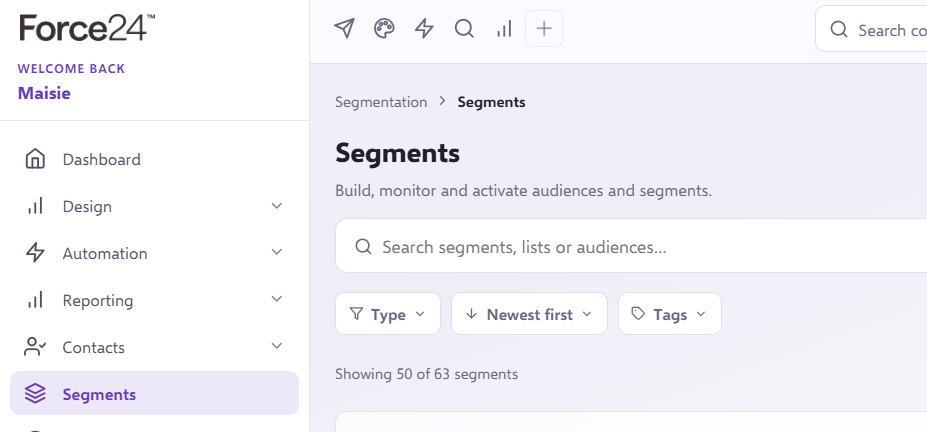
Select the relevant segment and scroll to the bottom of the page to view the contacts within.

If you are not in your test segment you will need to add yourself following the steps in this How to create a Test Segment article.
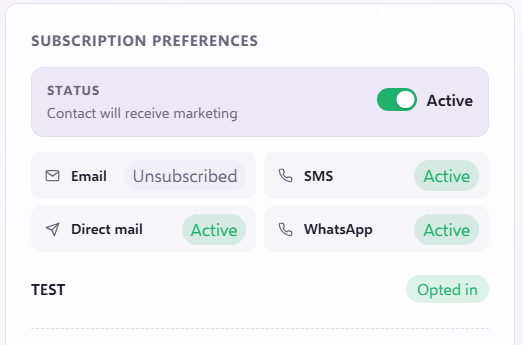
If you are in the segment you should go into your contact record to make sure your email status is Active.
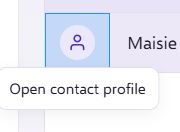
If your contact's email status is anything other than Active, you will need to correct this to receive test emails.
If you seem to have different contacts in your test segment than expected, it's likely that you have overwritten your details by entering false information in a data capture form.
To resolve this, either go back to any data capture form and enter your correct details to update your entry, or create a new contact using the "Create Contact" function.
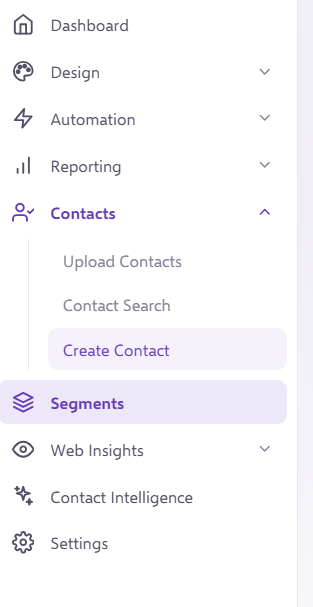
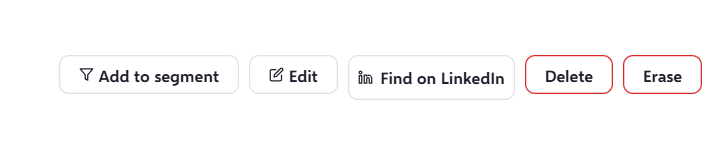
When creating a new contact, you can directly add them to your test segment using the "Add to segment" function in contacts information page.
If you have any questions, feel free to reach out to us through the live chat function available bottom right in your Force24 Platform. Our team is ready to assist you and provide support whenever you need it.